
|
Written by: Ronnel DG Last updated: 30 Dec., 2025 |

Animations add subtle movement as visitors scroll, helping draw attention to key content without overwhelming the page. You can apply animations to an entire section or fine-tune how individual elements appear.
Adding animations to a section
1. In the left sidebar menu, go to  Website
 Pages
Pages
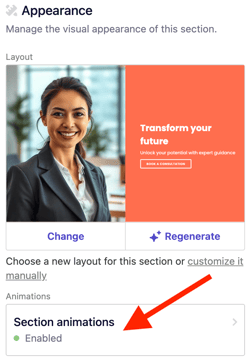
2. Scroll to Animations, then click Section animations.
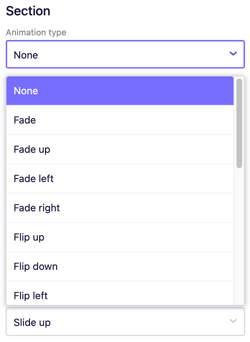
3. Under Section, choose the animation style to apply to the entire section.
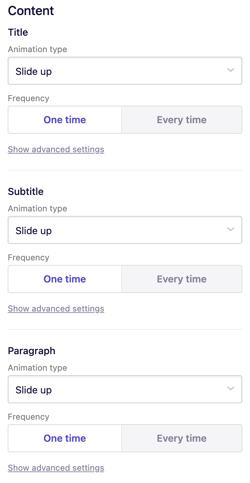
4. Under Content, set animations for individual elements:
-
-
Title
-
Subtitle
-
Paragraph
-
Collection links
-
For each element, select the animation type and frequency (one time or every time the section appears).
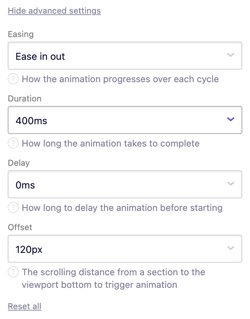
Click Show advanced settings to adjust easing, duration, delay, and offset.
5. Click Publish in the upper-right corner to make your changes live.