
|
Written by: Madeline B. Last updated: 23 Jan., 2025 |

MemberSpace is a platform enabling the creation and management of membership-based content on websites. Integrating MemberSpace into your B12 website lets you secure specific pages and content, restricting access to authorized subscribers only.
Embedding MemberSpace on your B12 website
1. Follow MemberSpace's guide to finding your embed code.
2. Copy the code provided.
3. In your B12 Editor, go to  Website
 Pages
Pages
4. Select the page where you want to add your embedded content. Click Add section.
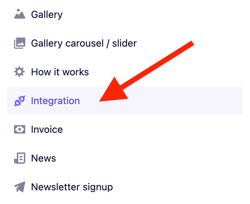
5. From the list of section types, click Integration.
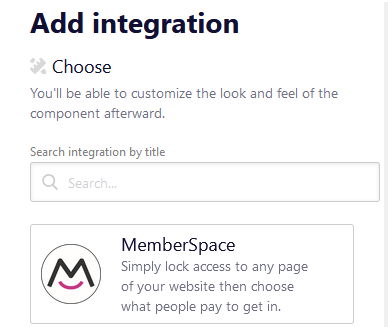
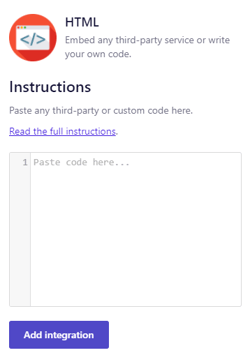
7. Paste or write your code into the code box, then click Add integration.
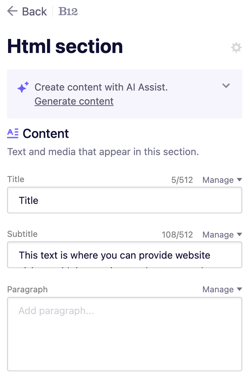
8. Customize or remove the placeholder text in your new integration section.
9. Click Preview or Publish to check your integration live on your site.
To test the embedded login form, visit your website after publishing your changes. The login form should appear. You can test it by entering your member credentials. By default, the login form includes a "Create Account" button. You can remove or edit this button as needed.