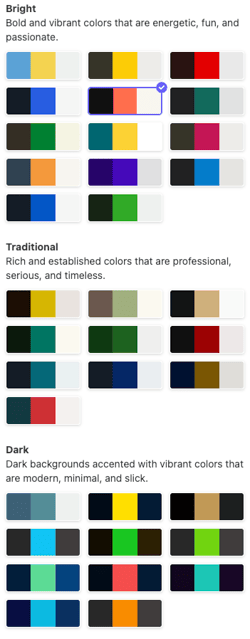
The color palette determines the colors of your text, section backgrounds, and buttons.
Changing your website's color palette
1. In the left sidebar, click  Website
Colors.
2. Browse the available palettes: Bright, Traditional, and Dark.
Select the palette you want to use. The change will immediately apply across your website preview.