
|
Written by: Jay Douglas Last updated: 20 Apr., 2026 |

Drift, a live chat platform, can be integrated with your B12 website. This integration lets you embed a live chat widget on your site, enabling visitors to message you directly. Drift provides real-time visitor tracking and messaging tools to help you engage with potential customers.
Adding Drift to your website
1. Make sure you have your embed code from your Drift dashboard. For help finding it, refer to Drift's documentation.
2. In the left sidebar, click  Website
 Settings
3. Next to Sitewide integrations, click Add new.
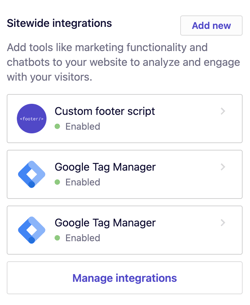
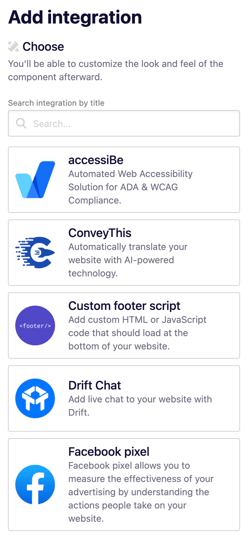
4. Choose the best option for your specific integration. For most tracking codes, choose the Head tag option.
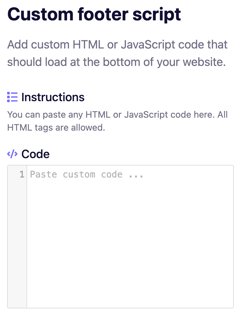
5. Paste your integration code in the Code box.
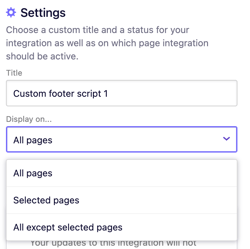
6. Give your integration a title or choose the pages where your code should be displayed.
7. Click Add integration.
8. Click Publish to update your live website with your changes.